When the Data Is Incomplete, the Report Should Say So


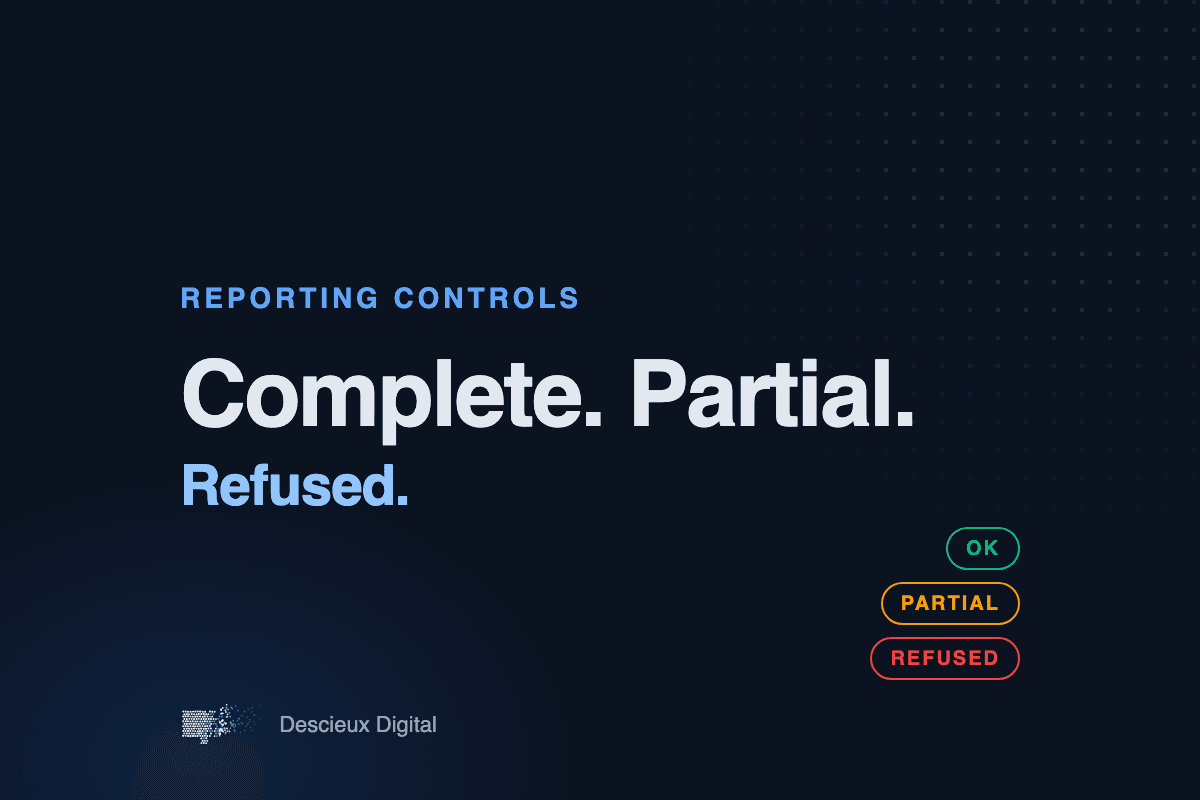
The most dangerous financial report is not the one with an obvious error. It is the one that looks clean and is quietly wrong.
That usually happens the same way. A file arrives with a month missing, or a segment that did not export, or a column that came through blank. The reporting system does not stop. It treats the missing values as zero, totals everything up, and produces a report that looks finished.
Nobody notices until someone asks why a number moved.
Zero is not the same as missing
A zero means "we checked and there was nothing." A blank means "we do not know." Treating the second as the first is how a report ends up understating expenses, overstating margin, or showing a trend that is really just a gap in the data.
In the finance systems we build, missing data is never filled in silently. Every report carries a status:
1. Complete: every input the report needs was present and checked.
2. Partial: some inputs were missing, and the report names exactly which ones.
3. Refused: too much was missing to produce numbers anyone should rely on, so the system does not produce them.
What this looks like in practice
For one client, a nightly job assembles the finance team's morning package. If one segment of the data is absent, the job does not write a package with that segment set to zero. It stops, records what was missing, and tells the team before anyone opens a stale or incomplete dashboard.
That can feel inconvenient the first time it happens. It is far cheaper than a board slide built on a number that was never real.
Why auditors like it
When every report says what it was built from, and refuses to guess, the trail is easy to follow. Any number can be traced back to the files and rows that produced it. Gaps are documented at the moment they happen, not discovered months later.
How to test your current reports
Try this with any recurring report your team relies on:
1. Take last month's input file and delete one week of rows.
2. Run the report again.
3. See whether it warns you, or simply shows smaller numbers.
If it shows smaller numbers without a word, it will do the same thing the next time an export fails.
If you want help building reports that say what they do not know, email [email protected]